

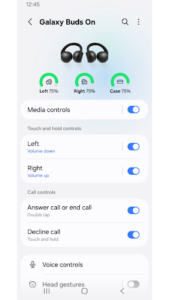
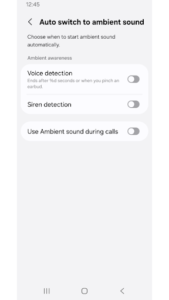
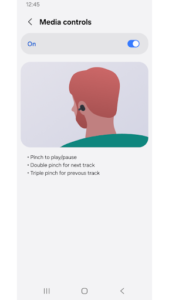
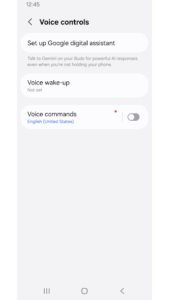
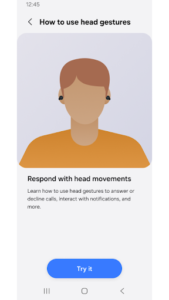
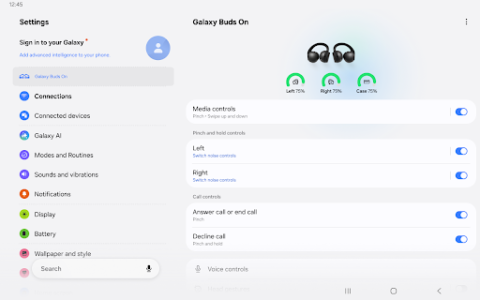
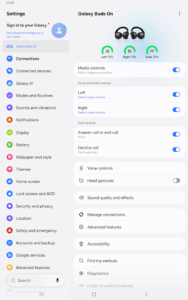
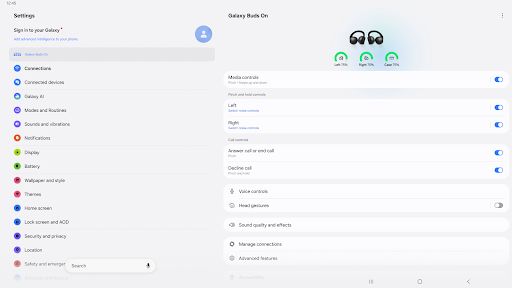
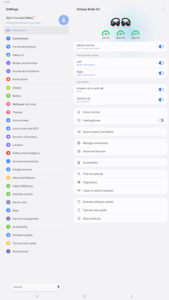
The Galaxy Buds app allows users to manage and monitor their compatible Samsung audio devices. Specifically designed for Galaxy Buds4 or higher, the app provides access to device settings and a view of their current status. This functionality helps users customize their listening experience and keep track of their earbud’s operational state directly from their connected device.
Device Settings and Status View
The primary function of the app is to offer a centralized hub for controlling and monitoring your Galaxy Buds. Through the app, you can adjust various device settings to suit your preferences, from sound profiles to touch controls. Additionally, it provides a status view, allowing you to quickly check essential information about your connected Galaxy Buds, such as battery levels or connection status.
Enhanced Voice Notifications
A key feature enabled by the app is voice notifications. When granted optional permissions, the app can utilize information from your phone to deliver spoken alerts. For instance, it can check contact information from your calls and contacts, calendar details, or call logs to provide context-rich voice notifications directly to your Galaxy Buds. This means you could hear who is calling or what your next calendar event is without needing to look at your phone. To fully enable this capability, the app requires specific optional permissions, including access to Calls, Contacts and account, Calendar, Call logs, and Notifications.
Permission Management
To ensure full functionality, especially on devices running Android 12 or higher, the Galaxy Buds app requires certain permissions. A mandatory Nearby devices permission is necessary for the app to scan for and connect to your Galaxy Buds. Beyond this, optional permissions are requested for features like voice notifications. These permissions can be managed and reset within your Android device settings under Applications, then Galaxy Buds, and finally Permissions. This allows users to control what information the app can access to deliver its features.



















Write a review